
LEGO Skylines City Planner
Tick the official stack in order — a clipboard for launch night, not a fake economy sim.
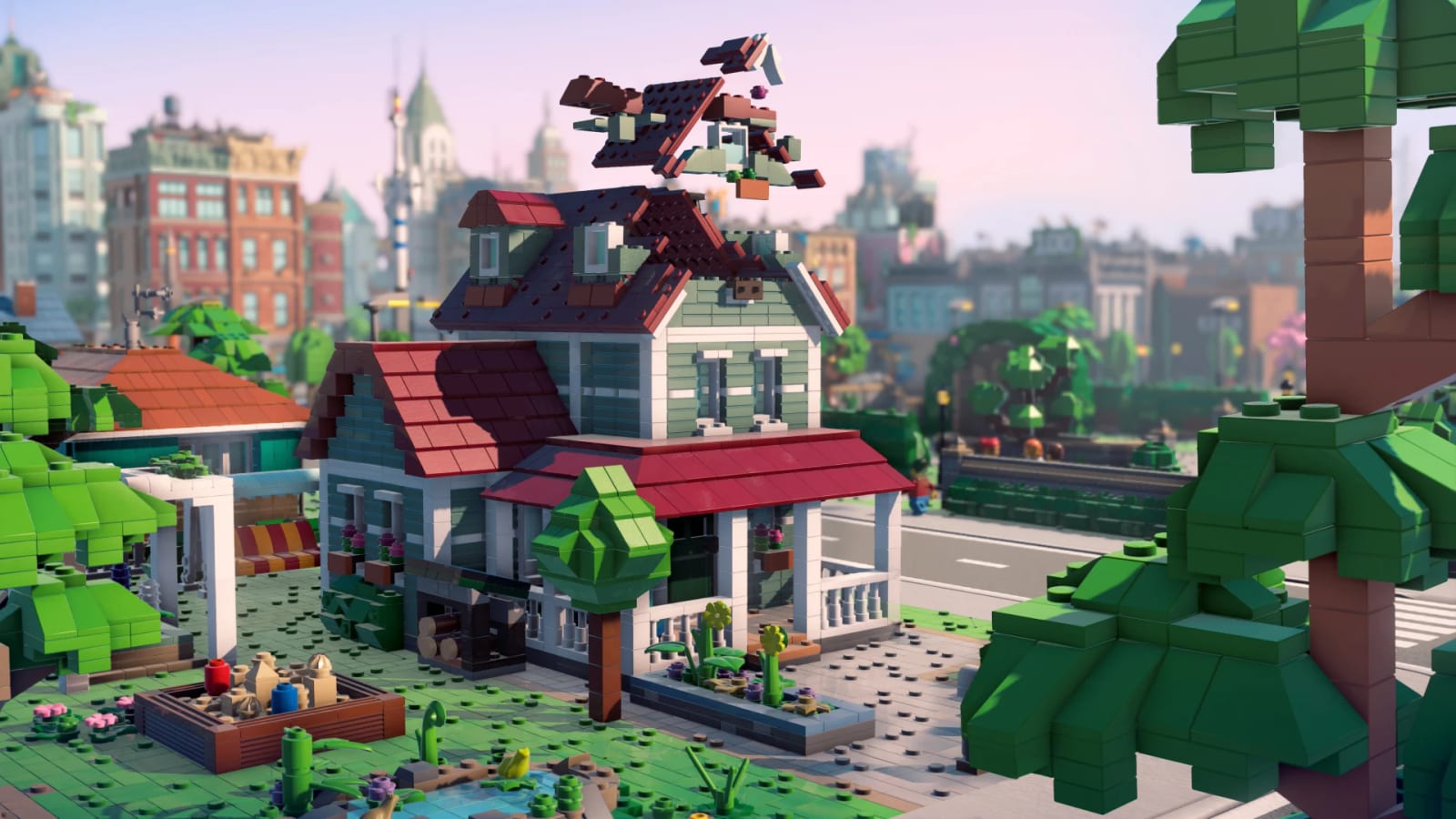
This planner is a first-city order you can tick. It follows Paradox’s own sentences: plot, house, basics, love items, then growth toys. It will not compute gold. It will not place your bakery. It will stop you from dropping a stadium on dry land.
Pick a city type before you start so the optional rows match the save. Read how to manage services if a row’s “why” is unclear.
Checks stay in this browser. They are not uploaded anywhere.
Street one — required
Street two — love the place
Street three — unlocks
Optional forks
How the rows map to the wiki
Street one is how to play plus the S-tier on services. Street two is happiness. Street three is the unlock ladder from the press kit. Optional forks are city types and the Ice Tower.
If you tick everything except water, you have a screenshot, not a city. Untick the stadium in your head. The walkthrough is this list as a narrative. The buildings ranking is this list as toys. Use whichever format you will actually follow on launch night.
When Iceflake shows costs, we will add a second checklist for “too early” traps. Until then, the only trap we can name is skipping the triad. Tick the boring boxes. Then make it weird.
If a row feels too strict, that is the point. The planner exists to stop you from spending the first rating unlock on a statue. Tick street one completely before you open buildings for fun skins. Skins are allowed. Skins after water.
Frequently Asked Questions
Short answers while LEGO Skylines is still in the wishlist window.
Does this planner use real LEGO Skylines data?
It uses official systems, not datamined costs. Numbers will wait for a build.
Will my ticks sync across devices?
No. They live in this browser only.
Where is the museum row?
Under optional forks, after street three. Ranking context on buildings.
Can I print this?
Yes — the list is on the page. For a spoken version, use the walkthrough.