
How to Manage LEGO Skylines Services
Cover the basics, then the unglamorous stack — hospitals, garbage, sewage — before you greenlight the weird skyline.
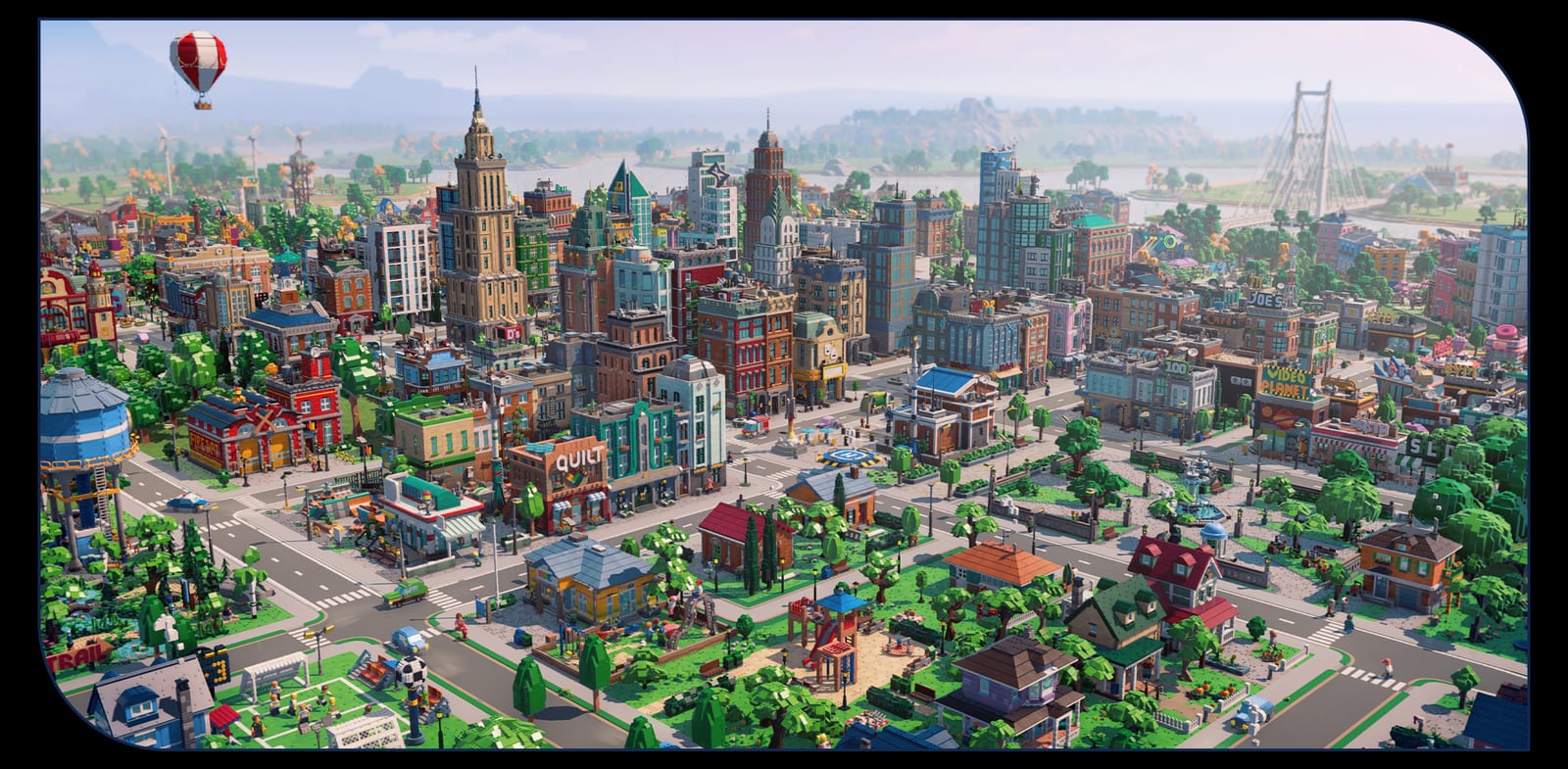
LEGO Skylines puts you in charge of, well, everything. Paradox wrote that on purpose. The cute trailer still names the municipal list: electricity, food, water, hospitals, wheat for the donuts, garbage collection, sewage, and the other things that make a city click. On 29 August, Liljedahl added police to that list on the IGN stage, next to healthcare. If you only place houses and a park, you have built a diorama. This page is how to manage the stack in the order the announcement itself uses.
Cross-check the services ranking when you want a one-screen priority list. This guide is the why.
Roads first, because nothing else attaches
The press kit’s “cover the basics” line leads with roads in some versions and electricity, food, and water in others. Functionally you need a path between plots. Screenshots show brick streets with minifigure traffic, not abstract zone brushes. Until we see the road tool, assume you are painting a network that services must follow. Leave a utility corridor. Do not hug every lot to the curb if a later water building needs a back face.
Electricity, food, water — the named three
These three are the onboarding triad. Place them as soon as the first house exists. Food is not only shops; wheat is in the copy, which means production exists. A bakery without a field is a decoration. A field without a road is a painting. Tie them.
Water is always the silent killer in this genre. People screenshot power because the lights go out. They forget pipes until the rating tanks. In a LEGO city the joke will be a dry fountain. Build the unfunny building anyway.
Power should be boring. A cozy game can still brown out. Put generation where it does not wreck the postcard, then run it to the street you actually live on. The how to build page is about dressing lots; this page is about keeping those lots legal.
Hospitals, police, garbage, sewage — the click stack
After the triad, Paradox lists hospitals to keep everyone in one piece, garbage, and sewage. That is a second-wave unlock in most city-builders and probably here too, because the rating ladder gates new services. Do not wait for a skyline to remember trash. Minifigure cities still make waste. The joke only works if the truck arrives.
Hospitals are happiness and health at once. See how to keep citizens happy. Place coverage in the first neighborhood, not only downtown. A cozy builder still needs the first street to feel safe.
Police is the interview add. Iceflake named it with electricity, sewage, water, and healthcare as the shared Skylines ground. We have not seen a station prefab. Leave a pad next to the hospital so you are not cutting a park later. Worries and needs of the little people stay relevant through endgame; a cop shop is how a city-builder usually answers the “safe” half of that sentence.
Sewage is the building nobody photographs and everybody needs. Give it a plot that is connected, screened by trees or a hill if the decoration set allows, and done. Do not skip it because the trailer did not linger on a treatment plant.
Wheat, donuts, and production as municipal work
“Wheat for the donuts” is the sentence that tells you this is not only residential zoning. Someone has to grow, bake, and sell. That can be a light production chain or a full industry layer. We have not seen the buildings. We have seen a farming town in the art. If you like that loop, commit early so later unlocks feed it. If you want a museum capital instead, you still need food. Production is not optional flavor; it is on the same list as water.
How to expand services as the rating climbs
New services unlock as the city grows. That means your first-hour plant will be too small later. Leave pad space. Duplicate coverage instead of stretching one building across a metropolis you have not earned. When Iceflake shows radii, we will mark them. Until then, “one neighborhood, one set of basics” is the safe pattern.
The walkthrough uses that pattern on streets one and two. The city planner turns it into a checklist you can click.
What we will not fake
No power GW numbers. No water throughput. No landfill vs incinerator debate. No traffic AI lecture. Those pages will exist after a hands-on. Copying Cities: Skylines II values into LEGO Skylines would be the fastest way to make this wiki wrong on launch week.
If a YouTube thumbnail promises a “perfect sewage setup” today, it is either a mockup or a different game. Stick to the announced stack, wishlist on platforms, and wait for the first diary before you min-max a pipe.
Hard hat on. Greenlight the weird ideas only after the unglamorous buildings have a plot. That is how a brick city clicks.
Frequently Asked Questions
Short answers while LEGO Skylines is still in the wishlist window.
What services does LEGO Skylines confirm?
Roads, electricity, food, water, hospitals, police, garbage, sewage, and production such as wheat. More will unlock with city rating — see the ranking.
What should I place first?
A road, then power, food, and water, then homes. Hospitals, police, and waste come as soon as they unlock. The city planner is the clickable version.
Is traffic a big deal?
Not in the announcement. Do not import a Cities: Skylines roundabout bible yet. Watch the first diary.
Do I need farms?
You need food. Wheat-for-donuts implies farms are a valid path, not a requirement for every city. Compare city types.