
LEGO Skylines Tools
Practical helpers for a game you cannot launch yet — stores, a first-city checklist, and hardware honesty.
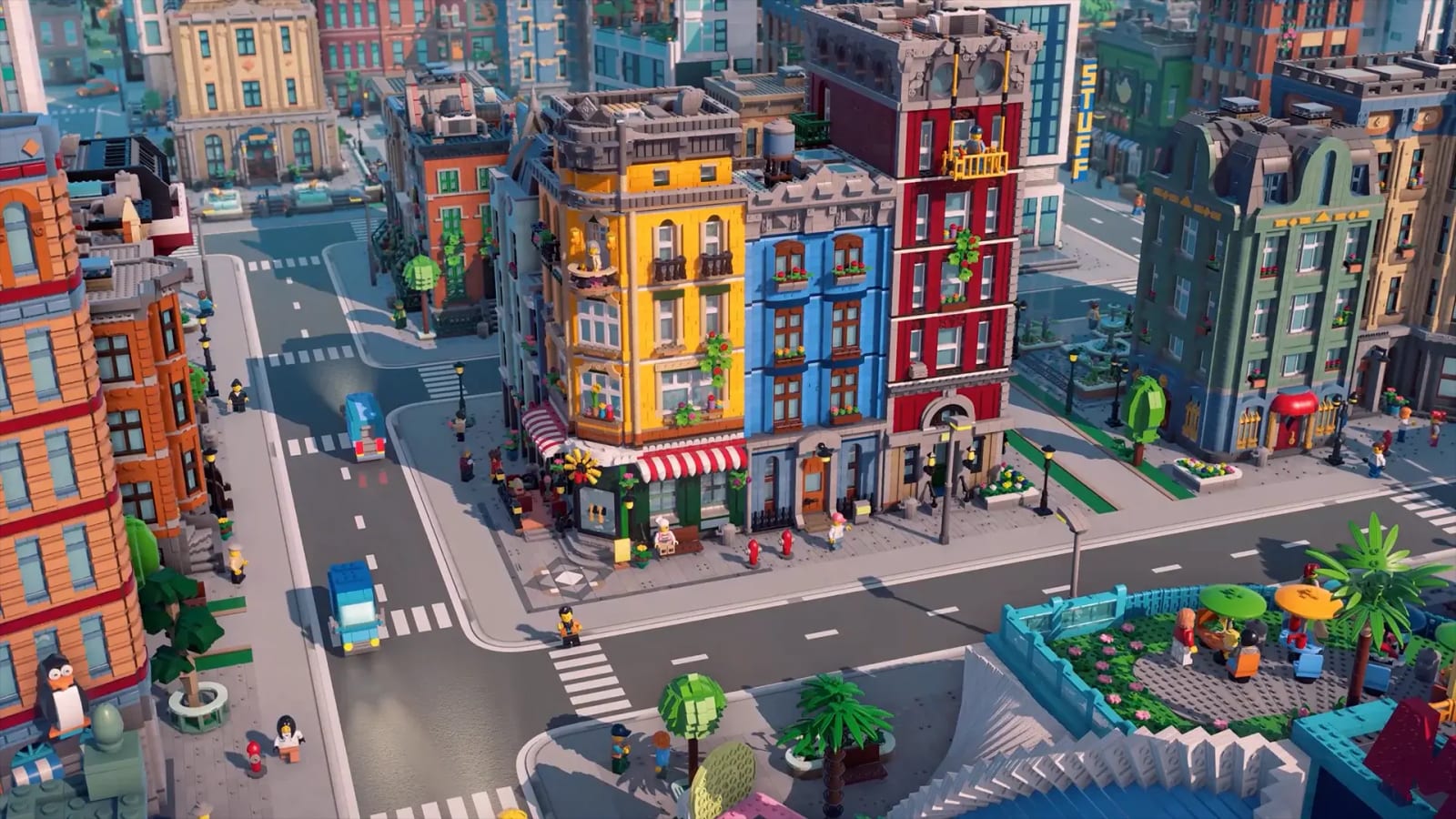
A pre-launch wiki still owes you tools. You cannot open a budget calculator without a budget UI. You can pick a store, tick a first-city order, and avoid fake GPU lists. That is this hub.
- Platforms — Steam, PS5, Xbox Series, Switch 2, with the right wishlist links and the last-gen traps.
- City planner — a clickable first-city checklist aligned to official services and city types.
- Requirements — what is rated, what is missing, why we will not invent a 3070.
If you want prose, the guides hub is the classroom. Tools are the clipboard.
Why these three and not a code redeem
LEGO Skylines is not a live-service gacha. There are no codes. There is no Trello with weekly banners. A redeem widget would be a lie. A wishlist picker is the actual “how to get” action Paradox is asking for. A planner is the actual “how to complete a first city” action Iceflake described. A requirements page that says TBA is the actual hardware story.
When a build exists, this hub should grow a production calculator and a coverage cheat sheet. We will not grow them from Cities: Skylines II numbers. Wrong units help nobody.
How to use the planner without spoiling your own city
The checklist is an order, not a layout. It will not place your donut shop. It will stop you from placing a museum before water. Pick a city type first so the optional rows make sense. Farm-town players tick wheat. Cultural-capital players leave wheat until later and still tick food.
How to use the platform page without double-buying
Cross-saves are unconfirmed. Wishlist one SKU unless you enjoy owning two plastic cities. Switch 2 is real. Original Switch is not announced. Steam Deck is unknown. Details on platforms and how to wishlist.
What we will add after a diary
Keybind overlay. Overlay radii if they exist. A “is this GPU enough” once Paradox publishes a table. Until those exist, the honest tool is a checklist and a store picker. Use them, then go read how to play so the clipboard has a game attached.
Frequently Asked Questions
Short answers while LEGO Skylines is still in the wishlist window.
Is there a LEGO Skylines calculator?
Not without economy numbers. Use the city planner for order, not for gold per hour.
Where do I redeem codes?
You do not. This is not a Roblox game. Wishlist on platforms.
Are system requirements posted?
No. The requirements page tracks that gap instead of faking a list.