
LEGO Skylines Guides
How-tos for a game that is still on the wishlist — built from what Paradox, Iceflake, and the trailer have actually shown.
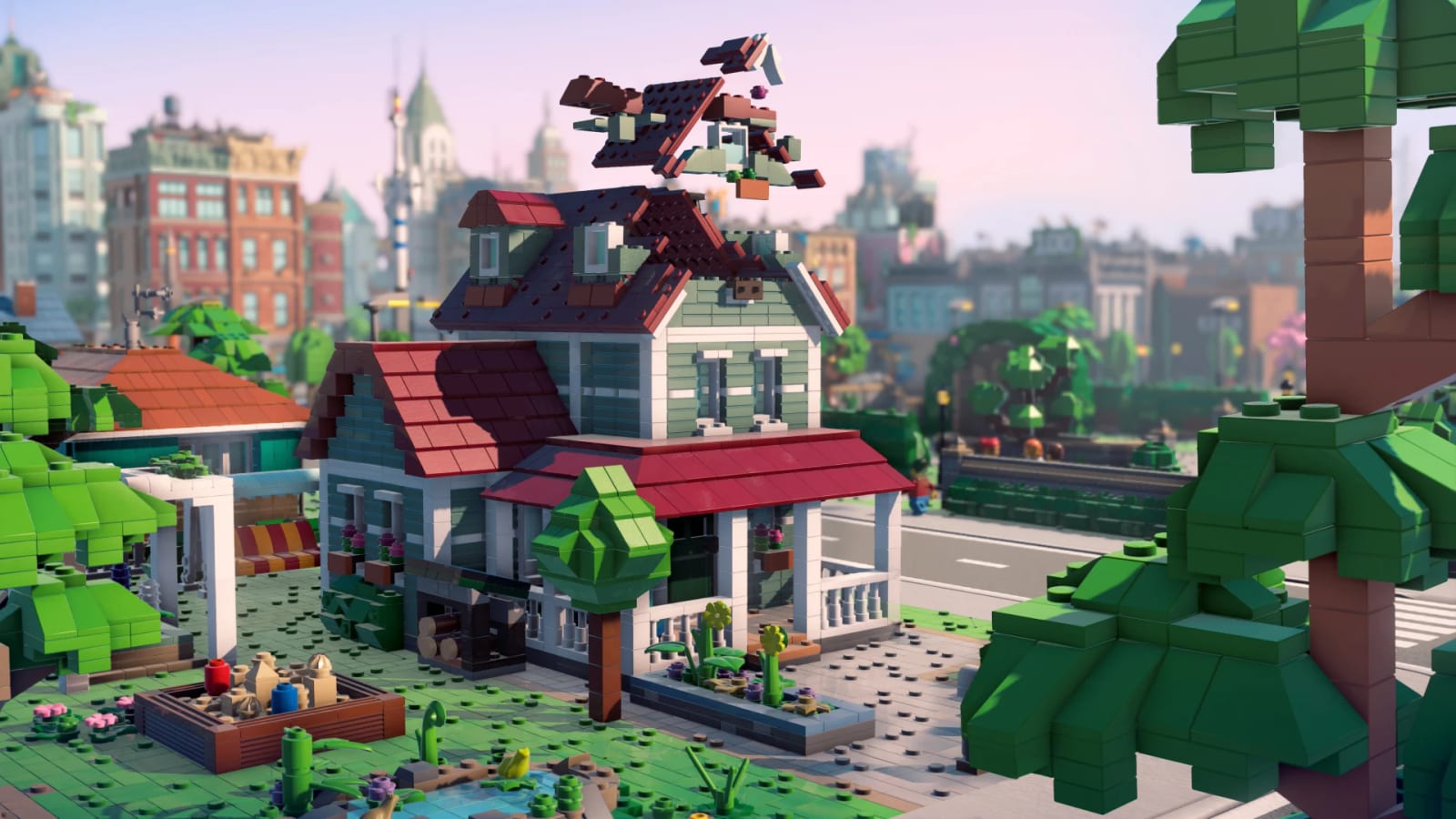
This hub is the map for every LEGO Skylines tutorial on the wiki. The game was announced at gamescom Opening Night Live on 25 August 2026. It is a cozy, customizable city-builder from Iceflake Studios and Paradox Interactive, produced under license from the LEGO Group. It is a standalone title. It is not Cities: Skylines III and it is not DLC for Cities: Skylines II.
Because launch is still unannounced, these guides do two jobs. They collect every confirmed system so you are not guessing from a 43-second trailer. They also tell you, plainly, when a sentence is inference from Cities: Skylines muscle memory rather than an Iceflake diary. If a later developer video contradicts a paragraph here, trust the video.
Start here if you just wishlisted Steam. The how to play page covers the loop Paradox keeps repeating: one plot, first house, then a neighborhood that becomes a metropolis. Once that clicks, jump to how to build and the build hub so you do not drop a museum before the water works.
What each guide is for
- How to play — the confirmed loop, what the trailer shows, and what nobody has shipped yet.
- How to build — plots, prefab buildings, decorations, and the “make it yours” pitch.
- How to keep citizens happy — homes, jobs, parks, donut shops, and city rating.
- How to manage services — electricity, food, water, hospitals, garbage, sewage, wheat.
- Walkthrough — a first-session script from empty plot to living street.
- Review — who this announcement is for, and who should wait for a gameplay stream.
- How to wishlist — Steam, PS5, Xbox, Switch 2, newsletter, Ice Tower.
- vs Cities: Skylines — shared municipal stack, XP, one-building scale, from the IGN interview.
The Guides dropdown on desktop caps at eight rows; the extra comparison page lives on this hub via View all. Same-category pages link to each other on purpose. If you are reading about happiness, you still need the services ranking. If you are reading the walkthrough, you still need a platform pick from the wishlist tool.
What we actually know how to teach
Paradox’s own copy is unusually specific for a first trailer. You cover the basics — roads, electricity, food, water — then you make a place citizens love: homes that one-up the neighbors, good jobs, parks, quirky stores, hospitals that keep everyone in one piece. Growing the city unlocks more buildings and services, which raises the city’s rating and happiness. That unlock ladder is the spine of every how-to on this hub.
Customization is the other spine. Iceflake’s Lasse Liljedahl said the team wants city building to feel personal, with imagination as the limit. The press kit promises a large selection of customizable plots, buildings, and LEGO decorations so your city does not look like the box art. BrickTap-adjacent rumor about BrickLink Studio import is interesting and unconfirmed; we park it on the buildings page instead of treating it as a feature list.
Pre-launch versus post-launch reading
Before you have a build, the high-intent searches are release date, platforms, “is it Cities 3,” and “how does LEGO change Skylines.” Those land on news, platforms, and the review. After you have a build, the same nav should still work: how to play, how to build, how to complete a first city, how to beat a service crisis. We will rewrite the walkthrough when a hands-on exists. We will not invent menus, hotkeys, or economy numbers to look finished.
Controls are not in this hub yet for a reason. No keybind card has shipped. When Iceflake posts a diary, a Controls page will sit next to how to play. Until then, treat camera and placement as “city-builder standard” and nothing more.
Suggested reading order
- How to play until the official loop is in your head.
- How to manage services plus the services ranking.
- How to build and buildings before you fall in love with one skyscraper.
- How to keep citizens happy when the city rating pitch starts to matter.
- Walkthrough as a session script, not as a spoiler dump — there is no story to spoil yet.
- City planner to lock a first-city checklist.
- Release date and DLC so you are not surprised by a Nintendo 2027 listing.
- vs Cities: Skylines if you arrived from a sequel headline — then the IGN interview for the quotes.
If a page still feels thin after that path, that is because Iceflake has not shown the UI. Use the links page for YouTube, Discord, Reddit, and the official community feed, then come back. This wiki is unofficial. When Steam news disagrees with a sentence here, trust Steam.
Frequently Asked Questions
Short answers while LEGO Skylines is still in the wishlist window.
Which LEGO Skylines guide should I read first?
The how to play page. It sticks to the announced loop and flags rumor separately.
Do these guides assume Cities: Skylines 2 knowledge?
No. Iceflake is the current Cities: Skylines II studio, but this is a standalone cozy builder. We only borrow genre habits when Paradox has not spoken yet.
Will the guides change after launch?
Yes. The walkthrough and review will be rewritten from hands-on. Pre-launch pages stay honest about what is unconfirmed.